Professional Radio Station Media Player

Multi-format audio playback (MP3, WAV, WMA, M4A, AAC, FLAC, OGG), playlist management, and comprehensive play history tracking designed specifically for radio stations

Windows 10/11 Self-Contained Hardware-Locked License
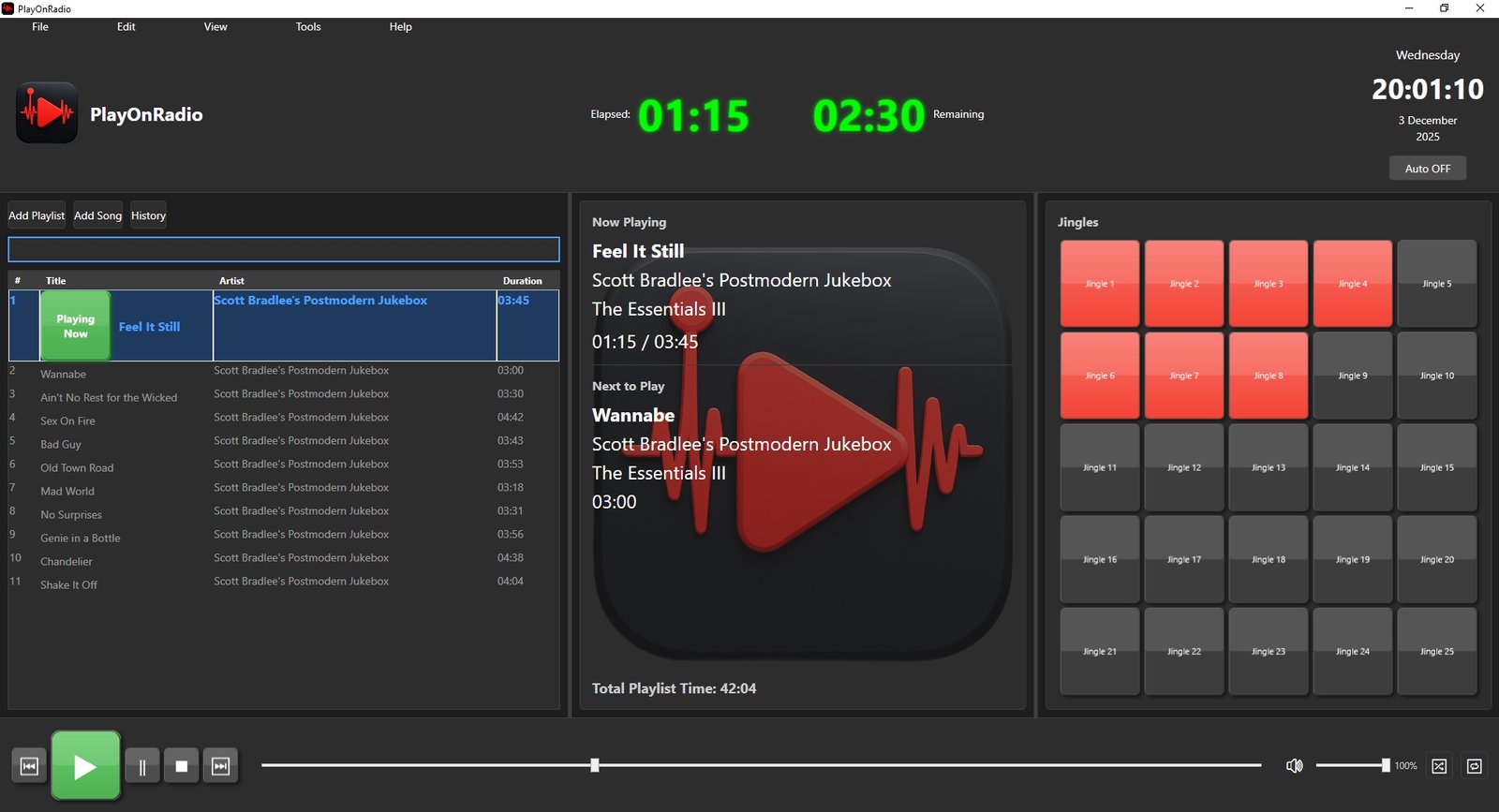
PlayOnRadio Application

Powerful Features for Radio Professionals

Everything you need for professional radio station media playback

🎵

Multi-Format Audio Playback

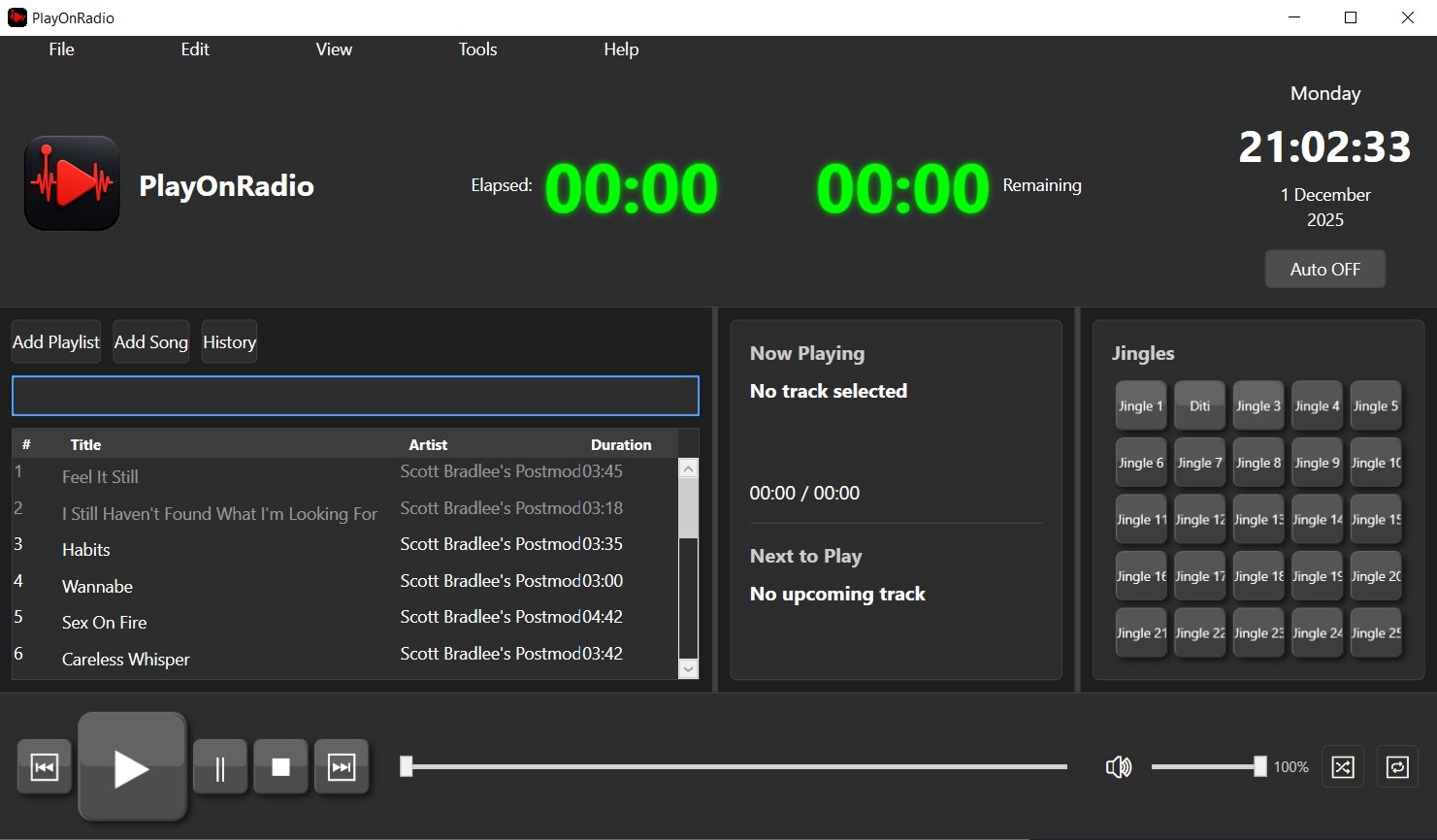
Full-featured audio playback supporting multiple formats with seek bar, volume control, and smooth transitions. Auto-advance to next track with customizable playback modes.

  • Support for MP3, WAV, WMA, M4A, AAC, FLAC, OGG
  • Play/Pause/Stop controls
  • Seek bar with click-to-seek
  • Volume control (0-100%)
  • Previous/Next track navigation
  • Full ID3 tag support
📋

Smart Playlist Management

Comprehensive playlist tools with drag-and-drop, search, and automatic persistence. Add files, folders, or drag directly from Windows Explorer.

  • Drag-and-drop with precise positioning
  • Add files or entire folders
  • Search and filter tracks
  • Automatic playlist saving
  • Start Time column showing exact play time
  • Selection status bar with count and duration
  • Centered column alignment for readability
📊

Play History Tracking

Detailed statistics tracking with SQLite database. Monitor play counts, total time played, and playback dates for comprehensive reporting.

  • Automatic play history recording
  • Play count and time statistics
  • Sortable history view
  • First and last played dates
  • Total time played (accumulated)
  • Export to CSV for reporting
🔄

Playback Modes

Flexible playback options including shuffle and repeat modes. Perfect for live radio broadcasting and automated playlists.

  • Shuffle mode for random selection
  • Repeat All, Repeat One, or None
  • Easy mode cycling
  • Auto-advance to next track
🏷️

ID3 Tag Support

Automatic reading of audio file metadata with intelligent fallback to filenames. Display title, artist, album, and track information across all supported formats.

  • Reads Title, Artist, Album tags
  • Supports metadata for all audio formats
  • Fallback to filename if tags missing
  • Handles corrupted tags gracefully
  • Track number and duration display
🔒

Secure Licensing

Hardware-based licensing system with RSA-2048 cryptography. License tied to specific hardware ID for security and compliance.

  • RSA-2048 asymmetric cryptography
  • Hardware ID-based activation
  • Tamper-proof license verification
  • Optional expiration dates
⌨️

Keyboard Shortcuts

Comprehensive keyboard shortcuts for efficient workflow. Perfect for DJs and radio operators who need quick access to controls.

  • Spacebar - Play/Stop toggle
  • B - Previous track, N - Next track
  • P - Pause playback
  • F1 - Show comprehensive help window
  • Ctrl+Shift+F - Toggle full screen mode
  • Numpad 0-9 - Quick jingle playback
  • Customizable shortcuts (Superuser)
🔔

Jingle Management

Professional jingle system with 25 configurable buttons for instant audio playback. Essential for radio station operations.

  • 25 configurable jingle buttons
  • Support for MP3, WAV, WMA, and multi-channel WAV
  • Automatic stereo downmixing for multichannel audio
  • Two-line labels (number and custom name)
  • Responsive text sizing that scales with window resize
  • Custom text sizes preserved when configuring or clearing
  • Volume ducking (music reduces to 50%)
  • Quick playback with single click
  • Add jingles to playlist
  • Numpad shortcuts for Jingles 1-10

Hourly Time Announcement

Automated time announcements that play every hour. Keep your listeners informed with professional time checks throughout the day.

  • Automatic hourly time announcements
  • Configurable audio file for time checks
  • Plays at the top of every hour
  • Volume ducking support for seamless integration
  • Enable/disable toggle
  • Custom time announcement audio files
  • Professional radio station compliance
🎨

Customizable Interface

Personalize your workspace with customizable text styling and display options. Make PlayOnRadio work exactly how you need it.

  • Customize font sizes for Playlist
  • Customize font sizes for Playing Now
  • Customize font sizes and colors for Jingles
  • Text color customization
  • Full screen mode for distraction-free operation
  • Modern dark theme UI
📤

Export & Reporting

Export your play history and statistics for reporting and analysis. Perfect for compliance and performance tracking.

  • Export play history to CSV
  • Automatic CSV export configuration
  • Comprehensive play statistics
  • Sortable history view
  • Clear history option

Comprehensive Help System

Built-in help window with complete documentation. Access all information you need without leaving the application.

  • Complete keyboard shortcuts reference
  • Playlist management guide
  • Jingle configuration instructions
  • Playback controls explanation
  • Play history information
  • Preferences and customization options
  • Tips and best practices

Application Screenshots

See PlayOnRadio in action

PlayOnRadio Main Interface

Main Application Interface

PlayOnRadio with Logo

Professional Radio Station Player

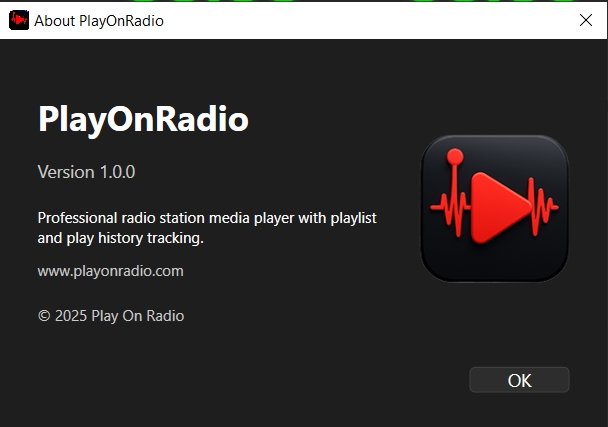
PlayOnRadio About Window

About & Information

Trusted by Radio Professionals

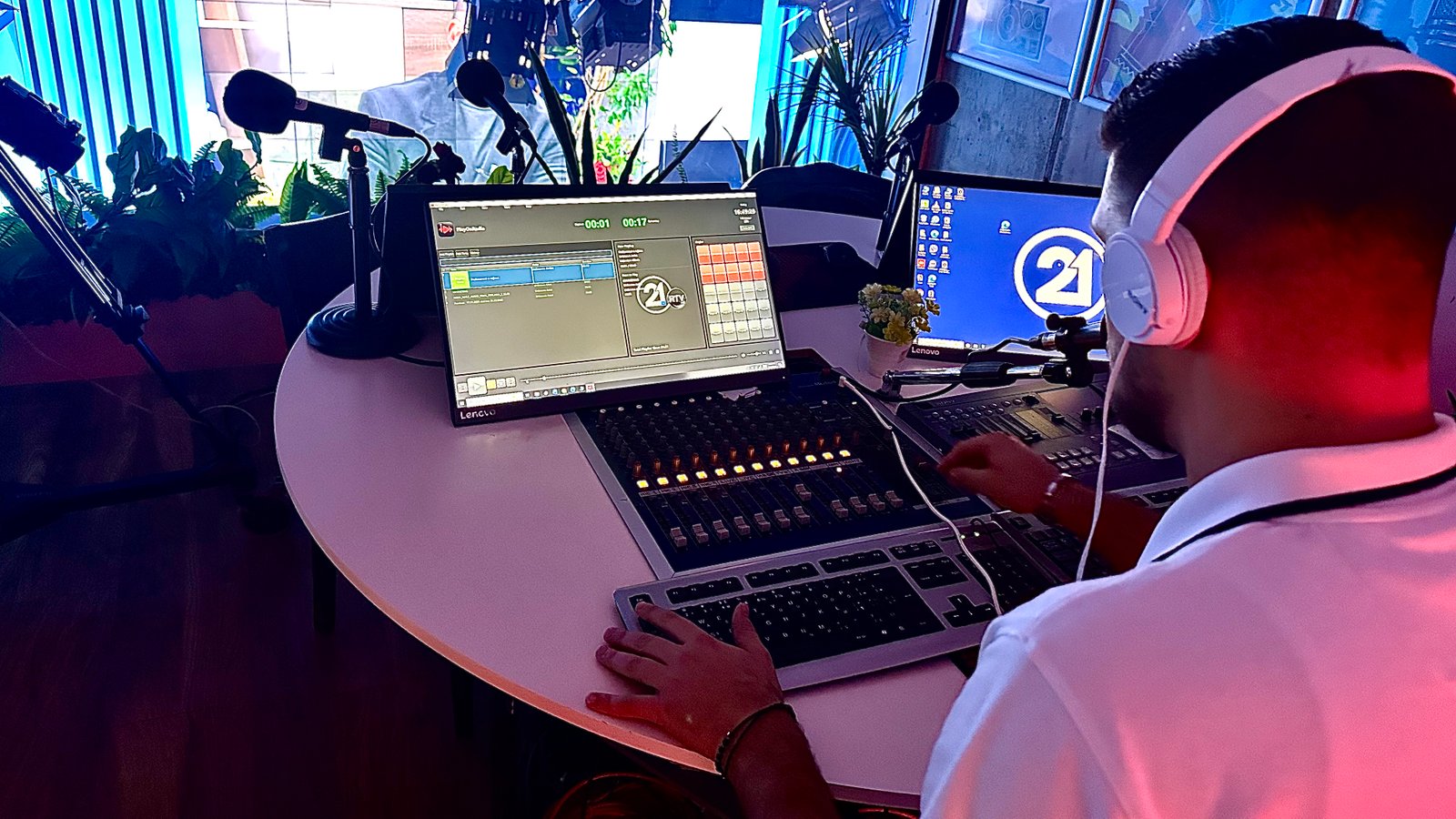
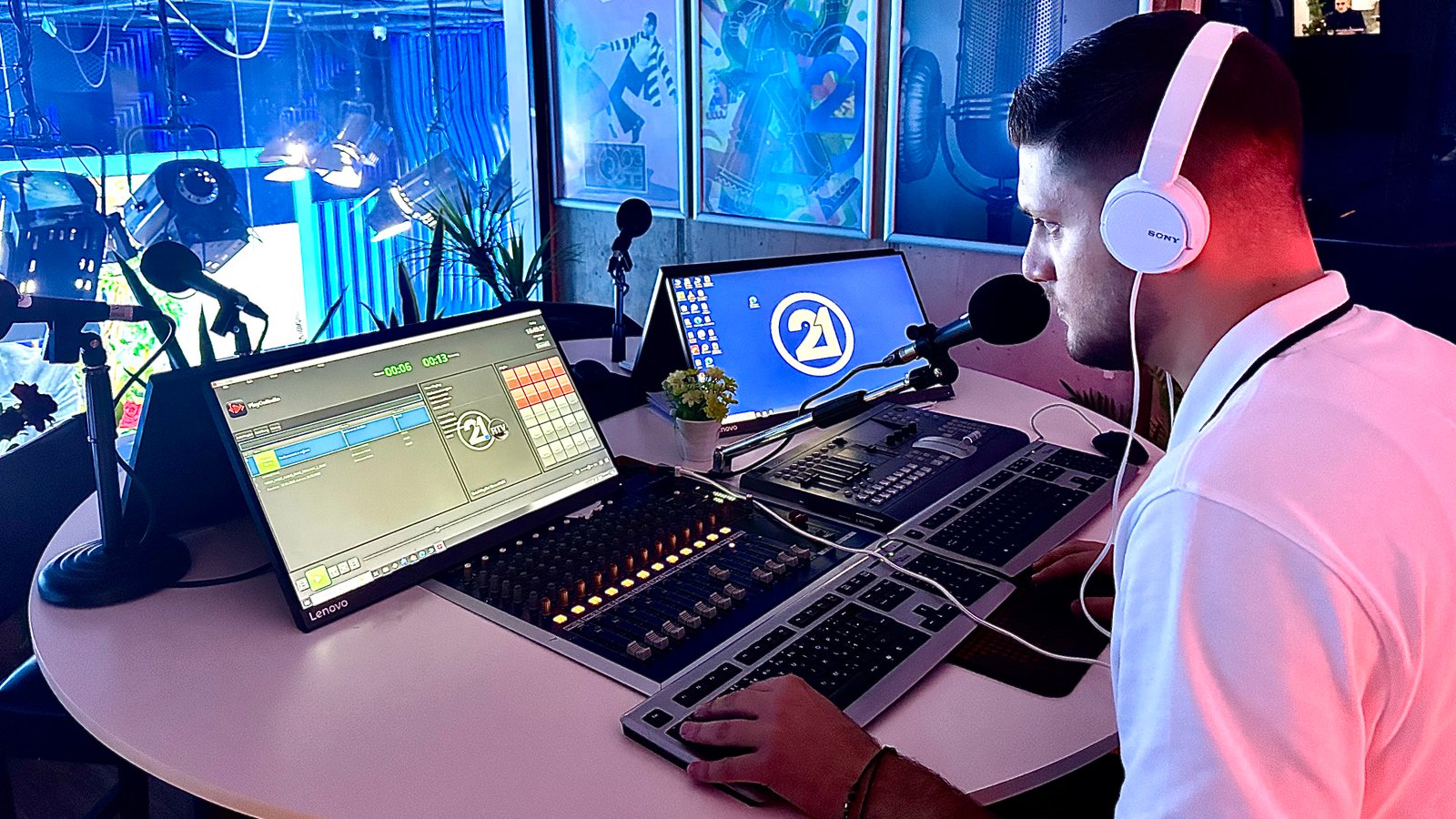
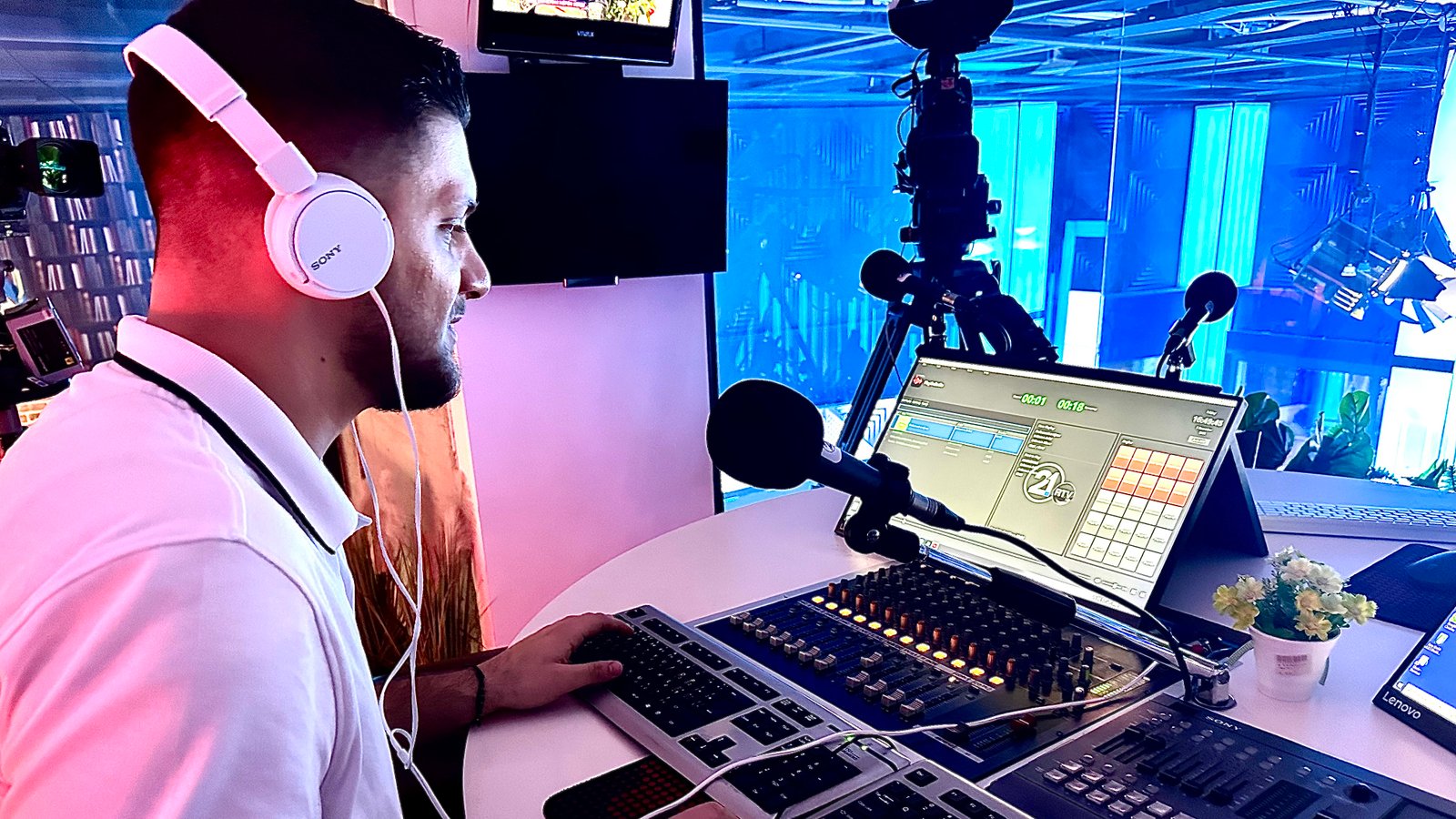
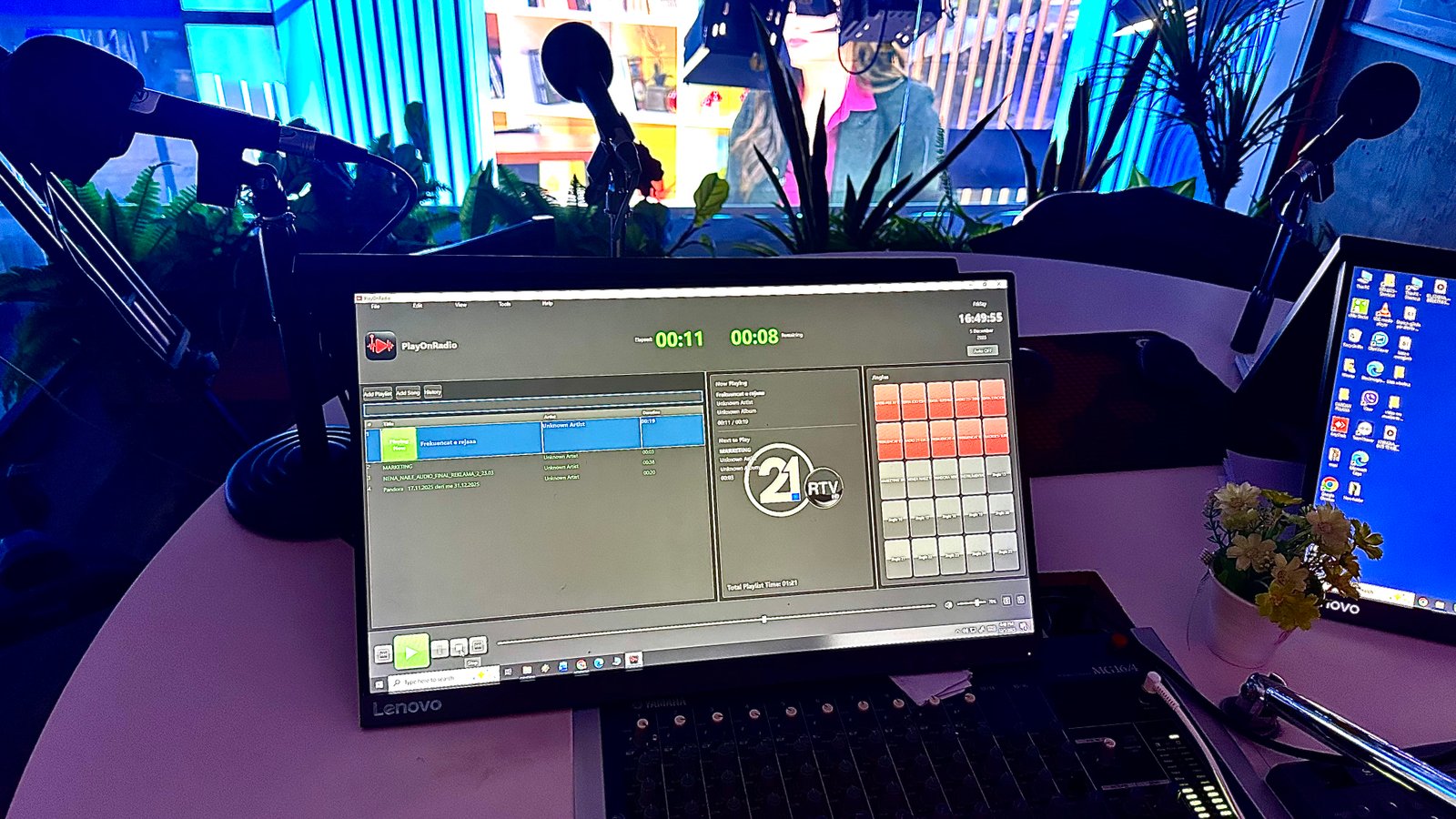
See PlayOnRadio in action at Radiotelevizioni 21

First Client Success Story

Radiotelevizioni 21

PlayOnRadio is now powering the media playback at Radiotelevizioni 21, delivering professional-grade audio management and seamless playlist control for their radio operations.

Pricing & Licensing

Simple, transparent pricing for professional radio stations

🔒 Secure Licensing

Hardware-based licensing with RSA-2048 cryptography ensures your license is secure and tamper-proof.

💳 Payment Options

Contact us for payment processing. We accept bank transfers, PayPal, and other payment methods.

🔄 License Renewal

Annual license includes 1 year of updates and support. Renew before expiration to continue receiving updates.

Technical Specifications

Built with modern technologies for reliability and performance

Platform & Framework

  • Platform: Windows 10/11
  • Framework: .NET 8.0
  • UI Framework: WPF (Windows Presentation Foundation)
  • Architecture: Windows x64
  • Deployment: Self-contained executable

Core Libraries

  • Audio Engine: NAudio 2.2.1
  • ID3 Tags: TagLibSharp 2.3.0
  • Database: SQLite (EF Core 8.0.0)
  • MVVM: CommunityToolkit.Mvvm 8.2.2
  • WMI: System.Management 8.0.0

File Formats

  • Audio Playback: MP3, WAV, WMA, M4A, AAC, FLAC, OGG
  • Jingles: MP3, WAV, WMA, multi-channel WAV
  • Playlist: JSON, M3U (import)
  • Database: SQLite (.db)
  • Export: CSV (play history)
  • License: JSON with RSA signature

System Requirements

  • OS: Windows 10 or Windows 11
  • RAM: 4GB minimum (8GB recommended)
  • Storage: 200MB for application
  • Audio: Windows audio device
  • Dependencies: None (self-contained)

Download & Installation

Get started with PlayOnRadio in minutes

📦

Installer Version

Professional Windows installer with automatic setup

  • ✓ Easy installation wizard
  • ✓ Desktop shortcut creation
  • ✓ Start menu integration
  • ✓ Uninstaller included
Order & Download

~100MB (Self-contained)

First-Time Activation

1

Install & Launch

Install PlayOnRadio and launch the application

2

Get Hardware ID

Copy your unique Hardware ID from the activation window

3

Receive License

Send your Hardware ID to your license provider

4

Activate

Paste the license into the activation dialog and start using PlayOnRadio

Support & Documentation

Everything you need to get the most out of PlayOnRadio

📖 Documentation

Comprehensive guides and technical documentation

  • Built-in Help Window (Press F1)
  • Complete keyboard shortcuts reference
  • User Manual & Guides
  • Installation Guide
  • License Generation Guide
  • Jingle configuration instructions

❓ Troubleshooting

Common issues and solutions

  • Audio playback issues
  • Database errors
  • License activation problems
  • Playlist loading errors

💬 Contact Support

Get help from our support team

Company: Play On Radio
Email: support@playonradio.com
Copyright: © PlayOnRadio 2025